

Starting March 31, 2026, X requires your own API credentials for all operations through Ayrshare. If you are an API user, you can start using your own credentials immediately. See the X BYO Key Setup Guide for step-by-step instructions.
How to Link X (Twitter) with Ayrshare
You can link X, formerly known as Twitter, account with Ayrshare. When authorizing X with Ayrshare, you will be redirected to X to login and authorize Ayrshare to access your X account.1
Ayrshare Social Accounts Page
Click X/Twitter - Click to Link button on the Social Accounts page.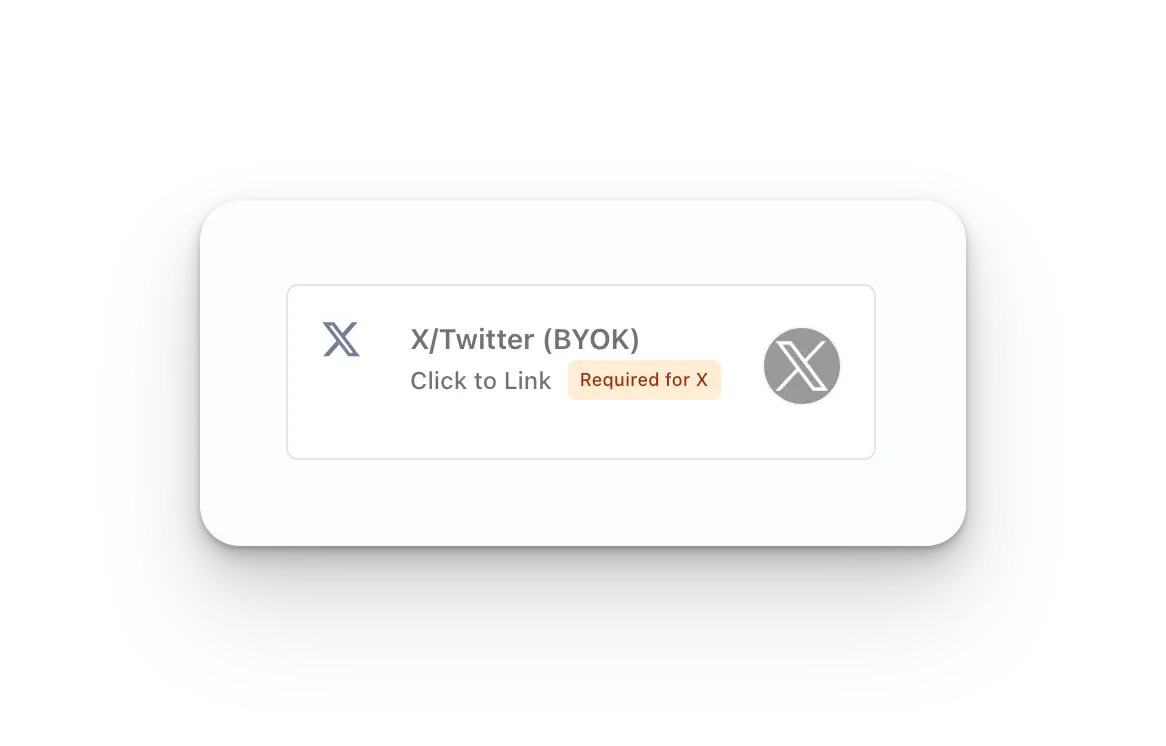
2
Provide Your X API Credentials
Before linking, you’ll be prompted to enter your X Consumer Key (API Key) and X Consumer Secret (API Secret). X now requires every Ayrshare account to register one X Developer App and provide its API Key and API Secret in order to link an X account.If you don’t yet have these credentials, follow the X BYO Key Setup Guide to create an X Developer App and retrieve your API Key and API Secret. Paste both values into the modal, then continue to link your account.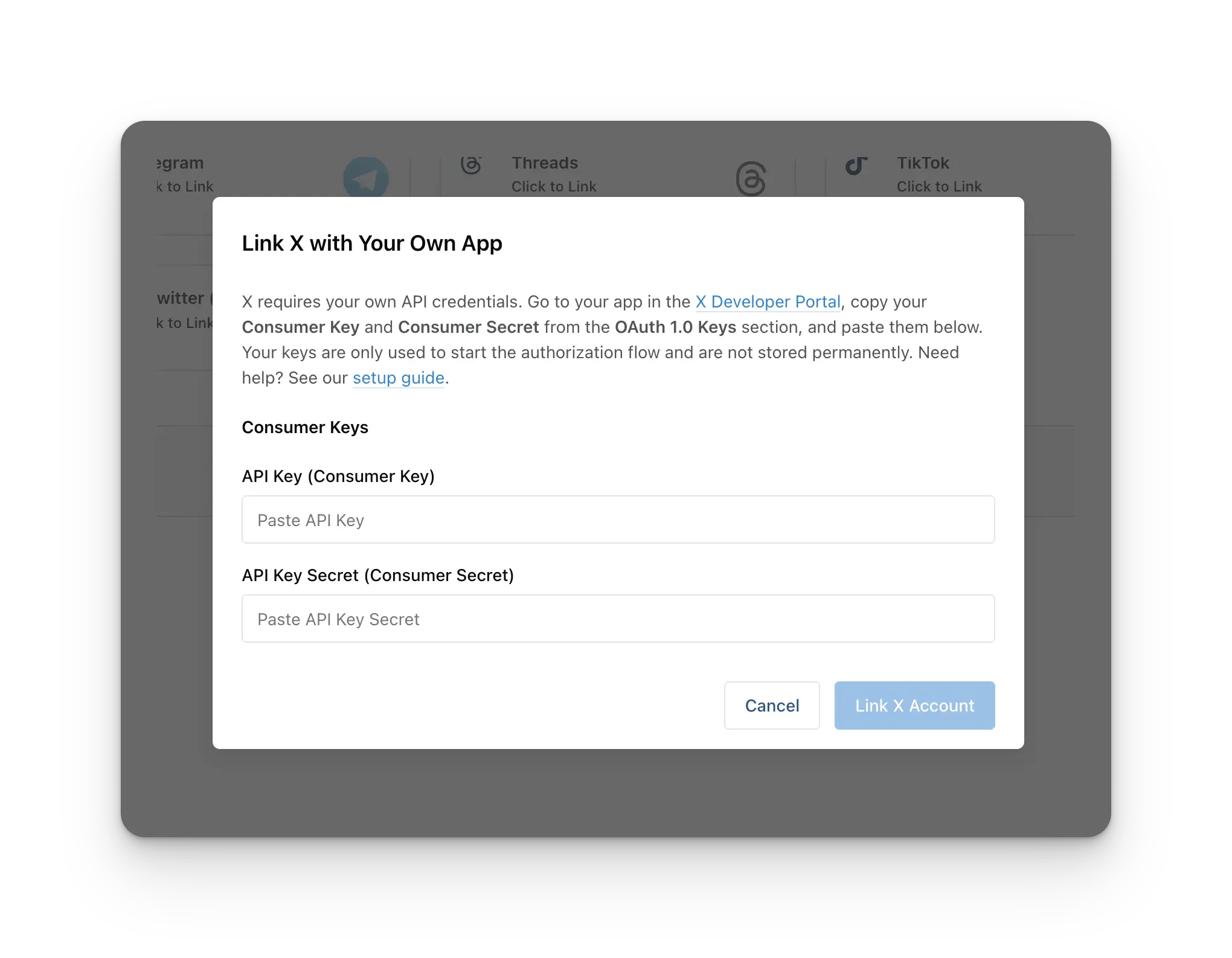
One-time setup per Ayrshare account. You create your X Developer App once, and the same API Key + API Secret are used for every X account you link going forward, including any sub-profiles or end-users. You do not create a separate developer app per customer.
3
First Time X Linking
When you click the X icon on the Social Accounts page, an X
sign-in will pop-up - please be sure you allow pop-ups. If you are already
logged in, please proceed to the following step.Click Sign In, follow the instructions, and input relevant login credentials.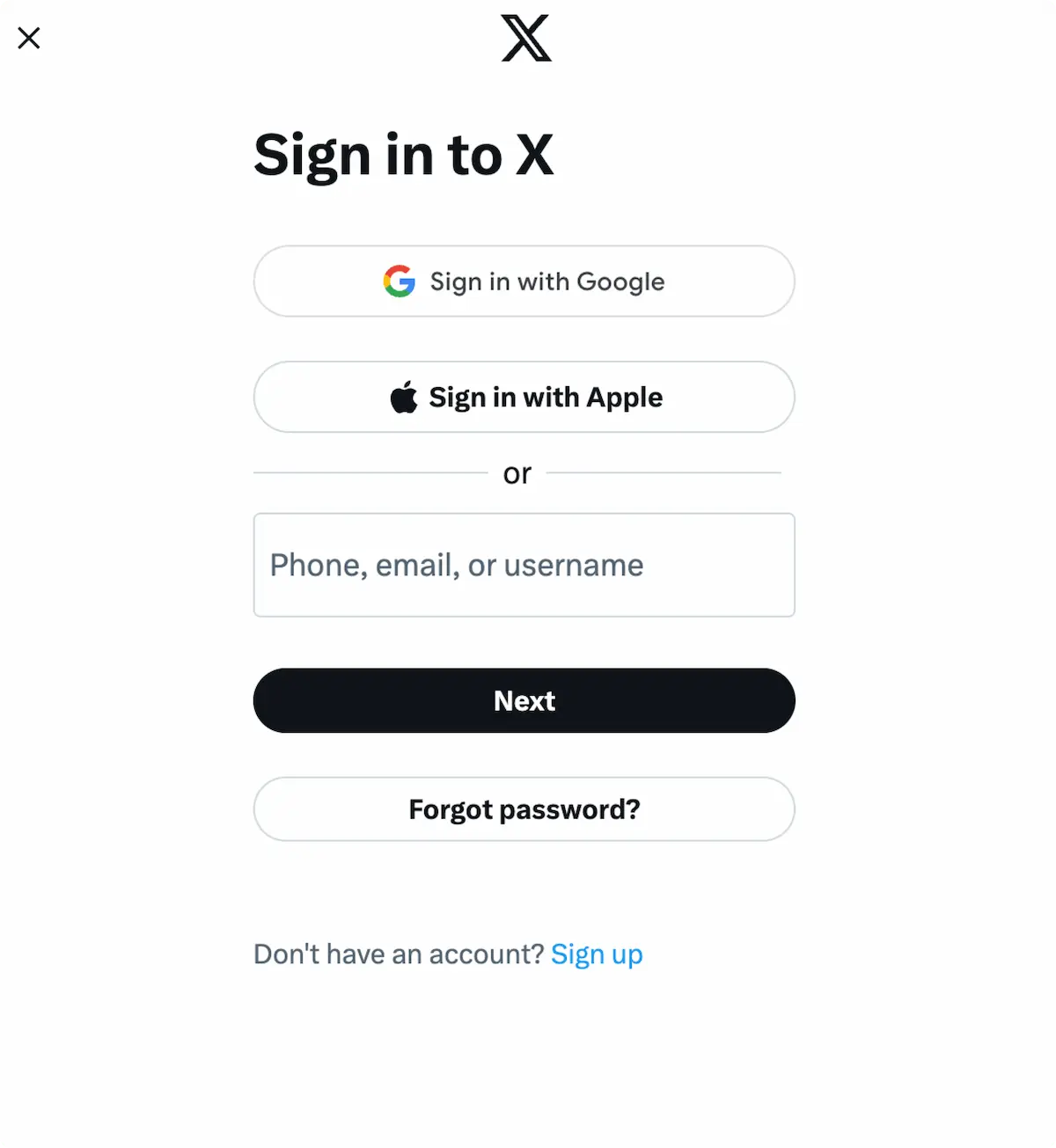
4
Authorize Access
If you have already signed in, click Authorize app on the pop-up.This will authorize Ayrshare to access your X account.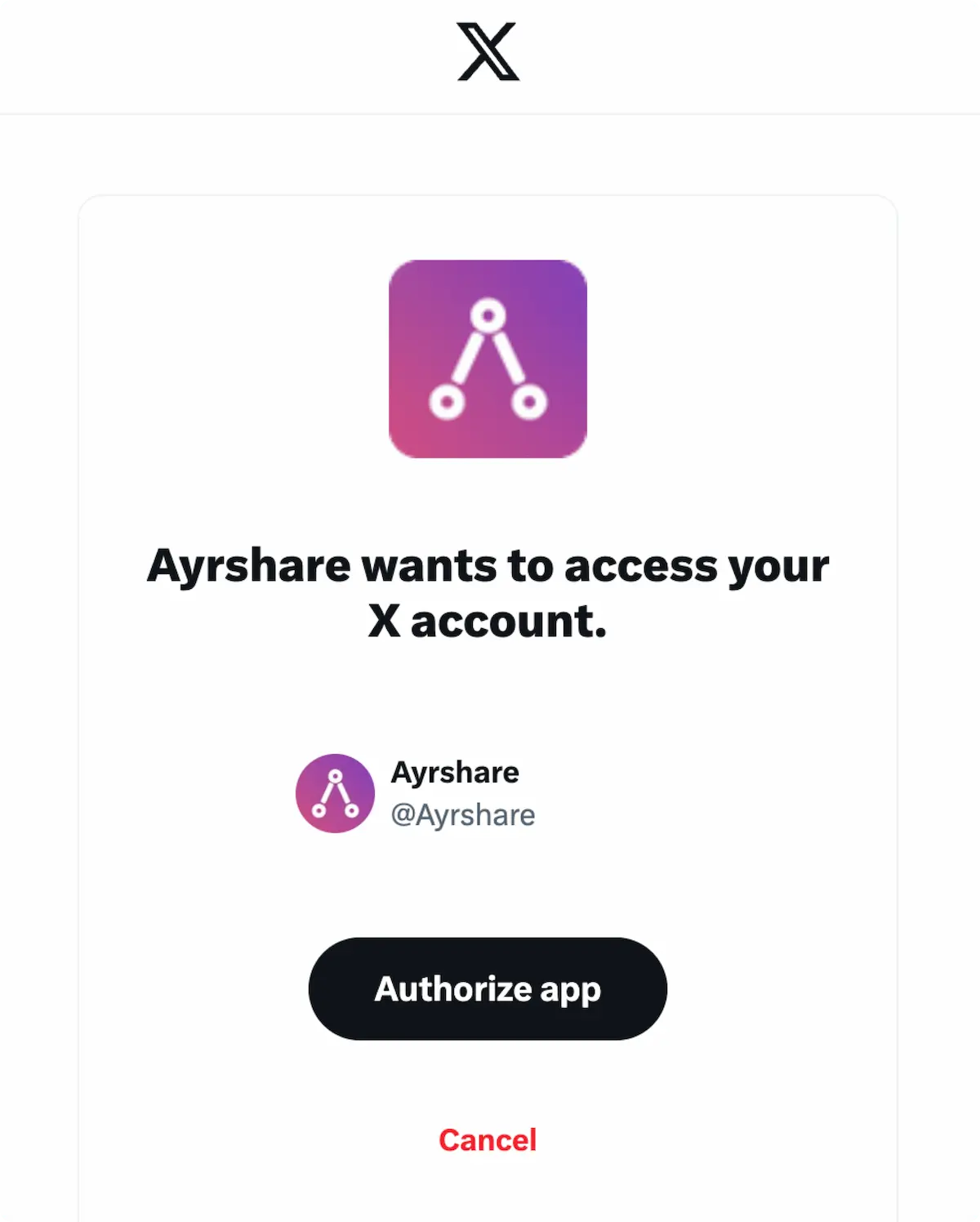
5
Confirmation
Your Social Accounts page will now be updated with your X account.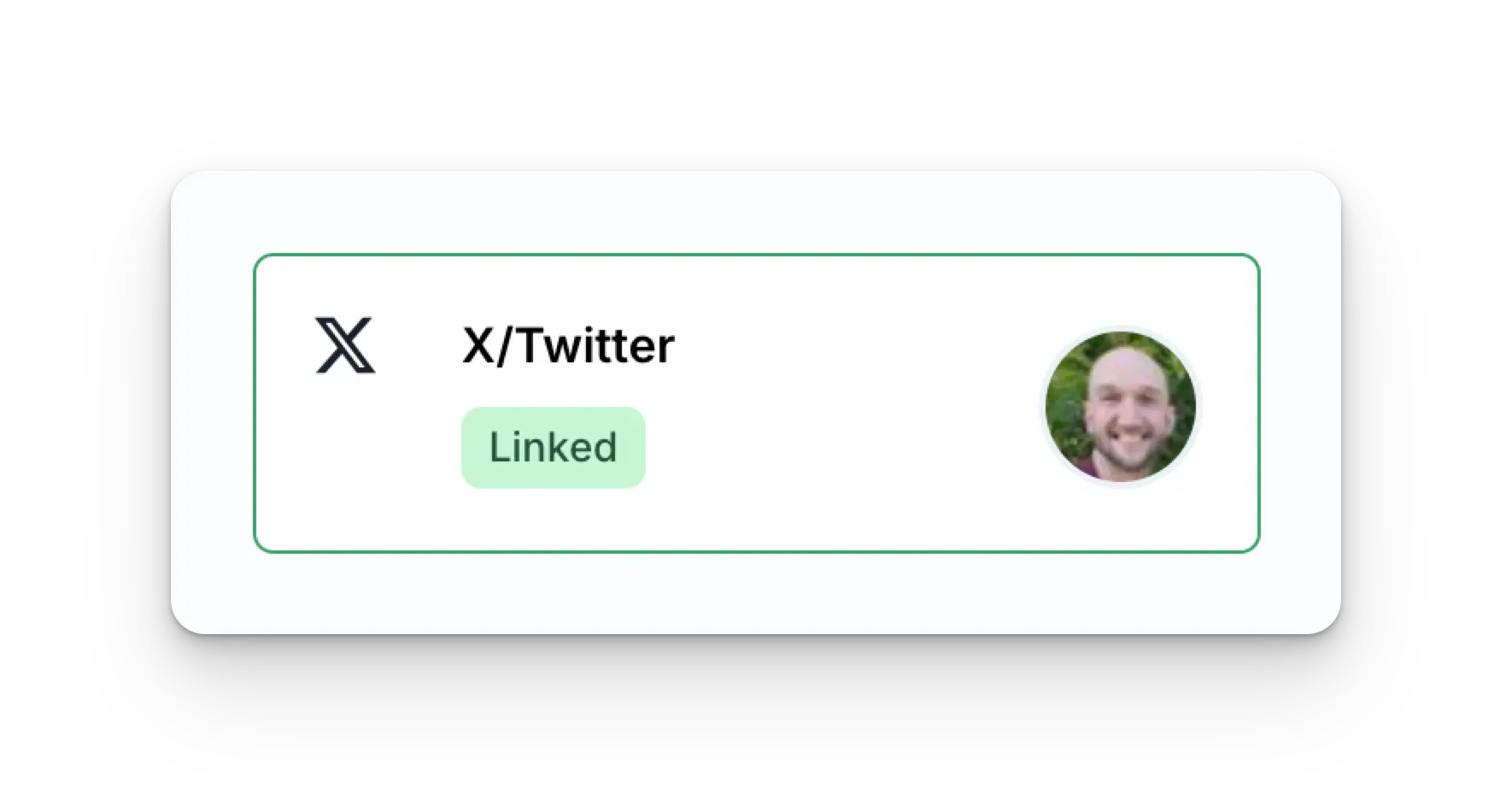
Additional X Information
- Please see here for details on posting to X, getting analytics, managing comments, or retrieving history.
- For more information on recommended image sizes, please see: